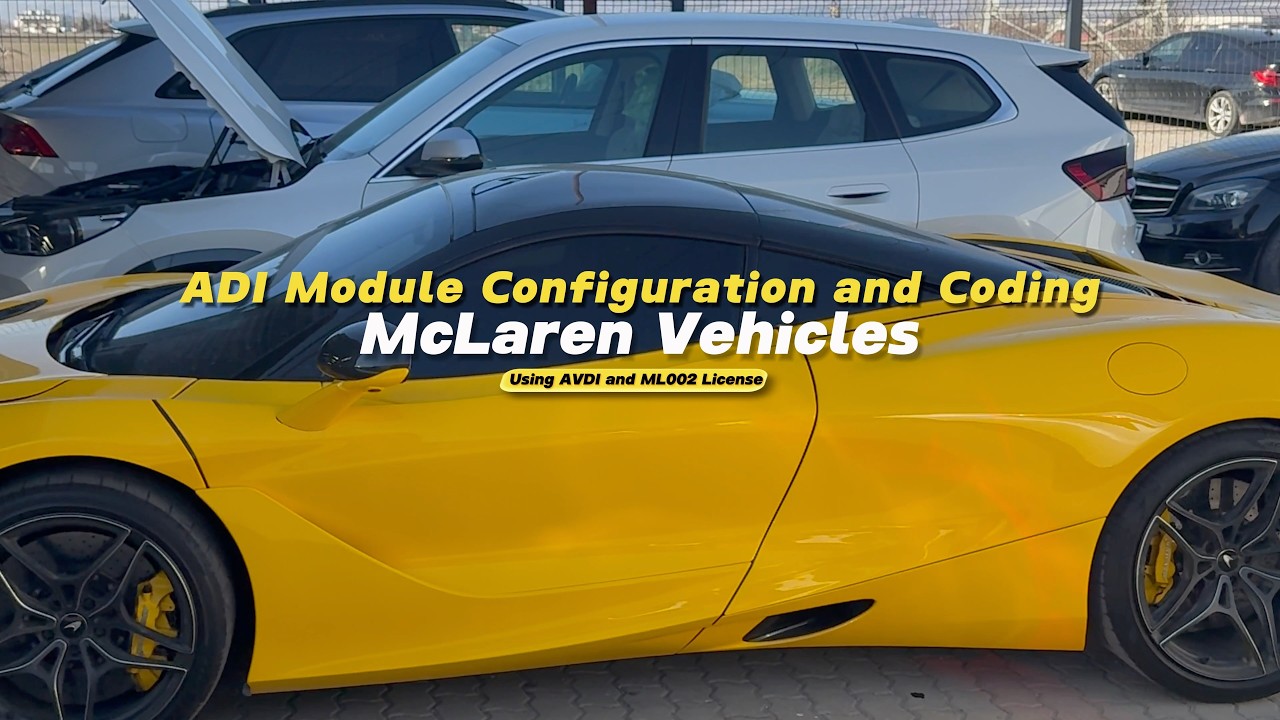
ADI (Instrument Cluster and Display) Configuration for McLaren Vehicles
SKU: ML002
Category:
McLaren
€1,000.00 (Excl. VAT)
All-new Abrites solution for configuring instrument clusters in all McLaren models all by OBD.
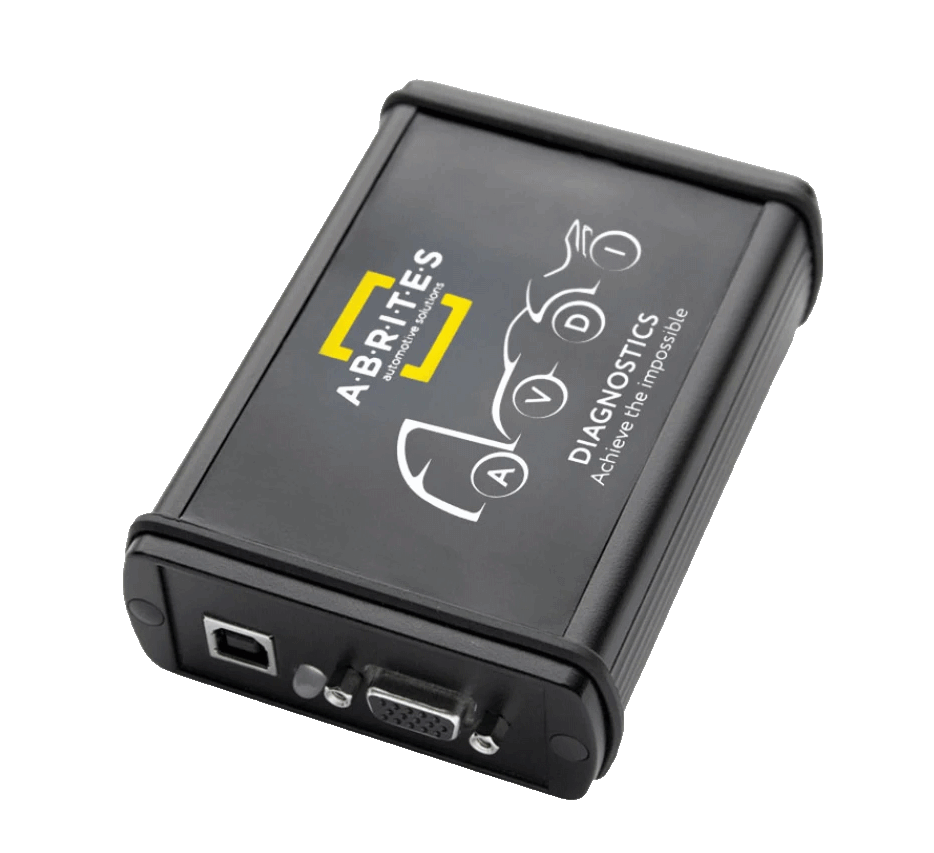
This is the Abrites software for configurating the ADI UI (instrument cluster and display) in McLaren vehicles by OBD. It allows you to change the region of the vehicle, switch units of measurement, activate smartphone app connectivity (CarPlay, Spotify, browser), colour scheme and more in the Advanced Driver Interface! The ADI (Advanced Driver Interface) module manages the user interface in the instrument cluster and the display and can be configured directly by OBD.
All-Abrites solution for McLaren!
All by OBD!
No third-party tools required!
Functionalities for ADI configuration:
- Measurement units change
- Gauge customisation
- CarPlay/Spotify/browser connectivity and accessibility
- Colour scheme configuration
- And more!
For the full list of functionalities, see Technical Specification tab.
Supported vehicles:
- All McLaren models
All McLaren models
ADI UI configuration (Instrument cluster and display):
- Measurement units change
- Gauge customisation
- CarPlay / Spotify / browser connectivity and accessibility
- Colour scheme configuration
- Valet Mode PIN reset
- Radio configuration
- Speaker system test
- Engine oil level
- Adapt display calibration
- Read ADI configuration data
- McLaren MP4-12C
- McLaren 540C
- McLaren 570S
- McLaren 600LT
- McLaren 650S
- McLaren 625C
- McLaren 620R
- McLaren 675LT
- McLaren 720S
- McLaren 750S
- McLaren 765LT
- McLaren Elva
- McLaren Senna
- McLaren GT
- McLaren Speedtail
- McLaren P1
- And all variations of the models listed above (Spyder, GTR, etc.)