

Included Software
No tokens required
Software Updates
Annual Subscription
Abrites Vehicle Diagnostics Interface
AVDI is a professional diagnostic and programming tool for cars, motorcycles, trucks, buses, and heavy-duty vehicles. Designed for workshops and automotive professionals, it combines advanced diagnostics, key programming, ECU and TCU programming, module replacement, and dashboard calibration in one powerful interface, helping you complete more jobs faster with a single, reliable solution.
View Full AVDI Software
 For Diagnosticians
Advanced Diagnostics
For Diagnosticians
Advanced Diagnostics
OEM-level diagnostics with the click of a button
Standard diagnostics:
- Full vehicle scan – scan cars, vans, trucks, and heavy-duty vehicles with one click
- Module identification – AVDI reads and identifies all available modules in the vehicle and the data they store, e.g. VIN and part numbers (where applicable)
- Reading and clearing diagnostic trouble codes (DTCs), a.k.a. faults
- Live values display – get live data information from the sensors in the vehicle in real time, e.g. temperature, RPMs, and more
- Actuator testing – identify any possible issues in the car by performing actuator tests
- Coding operations
More functionalities in the essential software:
(where applicable)
- Module adaptation
- Reset/renewal of second-hand modules
- Key and transponder programming
- Instrument cluster calibration
- Airbag renewal
- Change software version of modules (updates)
Advanced diagnostics:
(brand-specific)
- Calibrations
- Configuration settings
- Coding options
- Diagnostic channel adaptations
- Guided functions
- Hundreds more
 For Experts
Key Programming
For Experts
Key Programming
Use AVDI to program keys effortlessly!
Mechanical, smart, keyless keys and transponders can be easily programmed using Abrites tools. AVDI is compatible with nearly all brands on the market and allows you to clone working keys and add them to the vehicle, or program keys when no key is available (All Keys Lost situation).
You can easily program mechanical keys and smart keys with the Abrites basic software. AVDI is a versatile and powerful tool for automotive locksmiths and technicians working across a wide range of vehicle platforms:
- BMW – up to approximately 2012 (E-series)
- Mercedes-Benz – up to approximately 2013 (FBS3)
- VW – up to 2016 (adding spare keys on VDO analog clusters)
- Audi – up to approximately 2018 (adding spare keys for BCM2 gen.)
- Renault – up to approximately 2014
- PSA (Peugeot/Citroën) – up to 2021 (if PIN is available)
- Ford – up to 2021
- Subaru – up to 2020
- Honda – up to 2022
- Toyota – up to 2018
- Jaguar Land Rover (JLR) – up to 2018
- Fiat Chrysler Automobiles (FCA) – up to 2019
- Volvo – up to 2016
- Mitsubishi – up to 2016
Using AVDI in combination with other Abrites tools,
You can not only program keys for cars, but also for motorcycles, vans, trucks, and buses. Some procedures may require the use of PROTAG, ABPROG, or additional cables and adapters, depending on the brand and software required.
A big part of key programming procedures is PIN code extraction. This is required for brands like Peugeot, Citroen, Nisan, FIAT, and others, where the PIN code of the car is needed to learn the key to the vehicle. AVDI and the Abrites ecosystem allow you to perform the complete procedure for adding additional keys, or programming keys when no working key is available (All Keys Lost).
For Experts
Module Replacement and ECU Programming
For Experts
Module Replacement and ECU Programming
Program, replace, and calibrate vehicle modules with confidence using AVDI and the ABRITES ecosystem.
ABRITES solutions provide automotive professionals with the tools and software licenses needed to perform advanced module programming, replacement, adaptation, and calibration procedures. Whether repairing a vehicle, replacing a faulty unit, or completing a retrofit, AVDI helps you achieve reliable results quickly and efficiently.
Supported operations
- Module replacement and commissioning
- Programming and coding of new and used modules
- Adaptation and calibration procedures
- Vehicle configuration and personalization
- System synchronization and component matching
- Advanced diagnostics and troubleshooting
Supported modules
- Instrument Clusters (Dashboards)
- Engine Control Units (ECU)
- Transmission Control Units (TCU)
- Body Control Modules (BCM)
- Driver Seat Modules (DSM)
- Airbag Modules
- Gateway Modules
- Immobilizer Systems
- Comfort and Convenience Modules
- Many other electronic control units
Why choose ABRITES?
- OEM-level functionality
- Wide vehicle brand coverage
- Professional-grade tools and software
- Fast and efficient workflows
- Proven solutions trusted by automotive specialists worldwide
With AVDI and ABRITES, even complex module programming tasks become straightforward, allowing you to save time, increase productivity, and deliver professional results every time.
Find the solution you need:
 For Workshops
Instrument Cluster Calibration
For Workshops
Instrument Cluster Calibration
Calibrate dashboards in minutes!
Instrument cluster calibration is one of the most common procedures performed by automotive professionals worldwide. ABRITES provides efficient and reliable solutions for:
- Quick mileage calibration in instrument clusters
- Safe instrument cluster replacement
- Instrument cluster retrofit procedures
Mercedes-Benz Instrument Cluster Calibration (up to MY2023+):
ABRITES offers proven solutions for Mercedes-Benz instrument cluster calibration, including:- Mileage calibration in IC223 and IC177 M instrument clusters
- Prevention of mileage synchronization with the EZS module
Toyota & Lexus Instrument Cluster Calibration (up to MY2025)
Perform instrument cluster calibration via OBD or internal CAN-Bus connection in just minutes, without opening the cluster.
Supported procedures include:
- Mileage calibration in locked and unlocked instrument clusters using S6J3 microcontrollers
- Calibration of fully digital Denso instrument clusters equipped with RH850 processors (without crypto core)
Renault & Dacia Instrument Cluster Calibration (up to MY2022+
ABRITES provides fast and efficient calibration solutions for Renault and Dacia vehicles equipped with:
- Visteon instrument clusters using S6J3 microcontrollers and mechanical pointers
- ATE ABS modules used in Renault and Dacia models manufactured after 2022
 No Limits
PassThru Driver (J2534)
No Limits
PassThru Driver (J2534)
PassThru (J2534) Functionality
AVDI features a powerful integrated PassThru (J2534) driver, enabling seamless communication with a wide range of third-party OEM and aftermarket software applications.Fully compliant with SAE J2534 standards, AVDI can emulate multiple interface devices, allowing users to access manufacturer software without the need for dedicated hardware. This reduces equipment costs, simplifies workshop operations, and streamlines vehicle diagnostics, programming, and calibration procedures.
Key benefits
- Integrated SAE J2534-compliant PassThru functionality
- Compatibility with numerous OEM and third-party software solutions
- Emulation of various interface units through a single AVDI device
- No need for multiple diagnostic interfaces
- Reduced hardware investment and workshop clutter
- Faster and more efficient diagnostic and programming workflows
Why use AVDI as a PassThru device?
With AVDI's integrated PassThru functionality, technicians gain the flexibility to work across multiple software platforms while relying on a single professional-grade diagnostic interface.- Integrated SAE J2534-compliant PassThru functionality
- Compatibility with numerous OEM and third-party software solutions
- Emulation of various interface units through a single AVDI device
- No need for multiple diagnostic interfaces
- Reduced hardware investment and workshop clutter
- Faster and more efficient diagnostic and programming workflows
- Access manufacturer software using your existing AVDI hardware
- Switch easily between ABRITES and third-party applications
- Simplify complex procedures with a single, versatile interface
- Save time and reduce operational costs
Compatibility
AVDI is compatible with original equipment manufacturer software products such as VW/Audi/Seat/Skoda/Bentley/Lamborghini ODIS, Toyota/Lexus/Scion Techstream, DAS/Xentry – Star Diagnosis, BMW - E-Sys, INPA, EDIABAS, NCS Expert, NFS and many others.
 J1939
Heavy Duty, Agricultural, Rectreational Vehicles
J1939
Heavy Duty, Agricultural, Rectreational Vehicles
The dedicated ABRITES license EP005 is the professional solution for ECU and AdBlue (ACM) programming in J1939-compliant trucks, buses, agricultural, construction, forestry, marine, industrial vehicles, and motorcycles. It allows you to perform advanced engine control unit operations via OBDII diagnostics, with bench support for selected modules, making repairs and ECU servicing faster and more efficient.
In addition to the EP005 advanced programming functions, the basic AVDI software provides all essential diagnostic capabilities for J1939 vehicles, including:
Full module scan
Reading and clearing DTCs (fault codes)
Live data monitoring
Freeze frame data
Communication with all supported electronic control units over the J1939 protocol
This combination makes AVDI a complete diagnostic and programming platform, allowing workshops to perform everything from routine diagnostics to advanced ECU and AdBlue module programming using a single interface.
Complete vehicle scan
Module Identification
Diagnostic Trouble Codes
Live Values Display
Actuator Testing
Advanced Diagnostics (brand-specific)
3-Step Installation Guide
01
Download the Installation Files
Download the ABRITES Common Setup and the AVDI setup package for your interface ID from the download link provided by ABRITES. Make sure all Common Setup files (SetupInterface_Common.exe and the accompanying .bin files) are saved in the same folder before starting the installation.
02
Install the Software
Run SetupInterface_Common.exe and complete the installation wizard. Once finished, launch the AVDI setup file corresponding to your interface ID and follow the on-screen instructions. If prompted, connect your AVDI interface so Windows can install the required USB drivers automatically.
03
Connect and Activate
After the installation is complete, connect your AVDI to your PC and launch ABRITES Quick Start. Keep your computer connected to the internet during the first launch to allow the software to perform the initial activation, synchronize your interface, and install any available updates. Once completed, your AVDI is ready for diagnostics and programming.
AVDI Videos

AVDI Unboxing and Basic Functionalities

How to Install ABRITES Software - A Quick Guide

Dimensions: 13x5x25 cm

Weight: 0.6 kg

Easy and Fast Insallation
Latest Developments
Blog
November 11, 2026
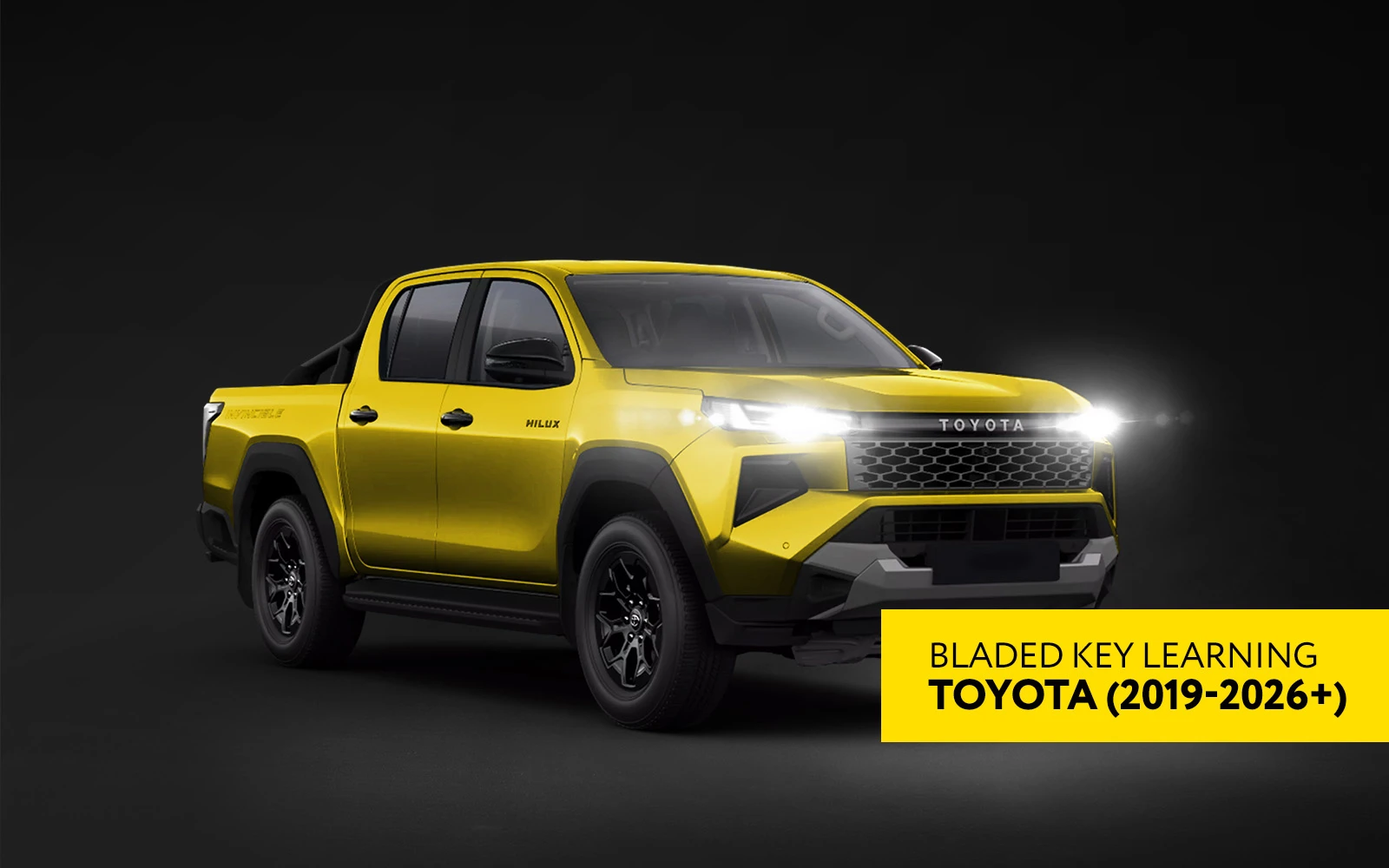
World-First: Toyota Mechanical Key Programming (2019-2026) via...
Read More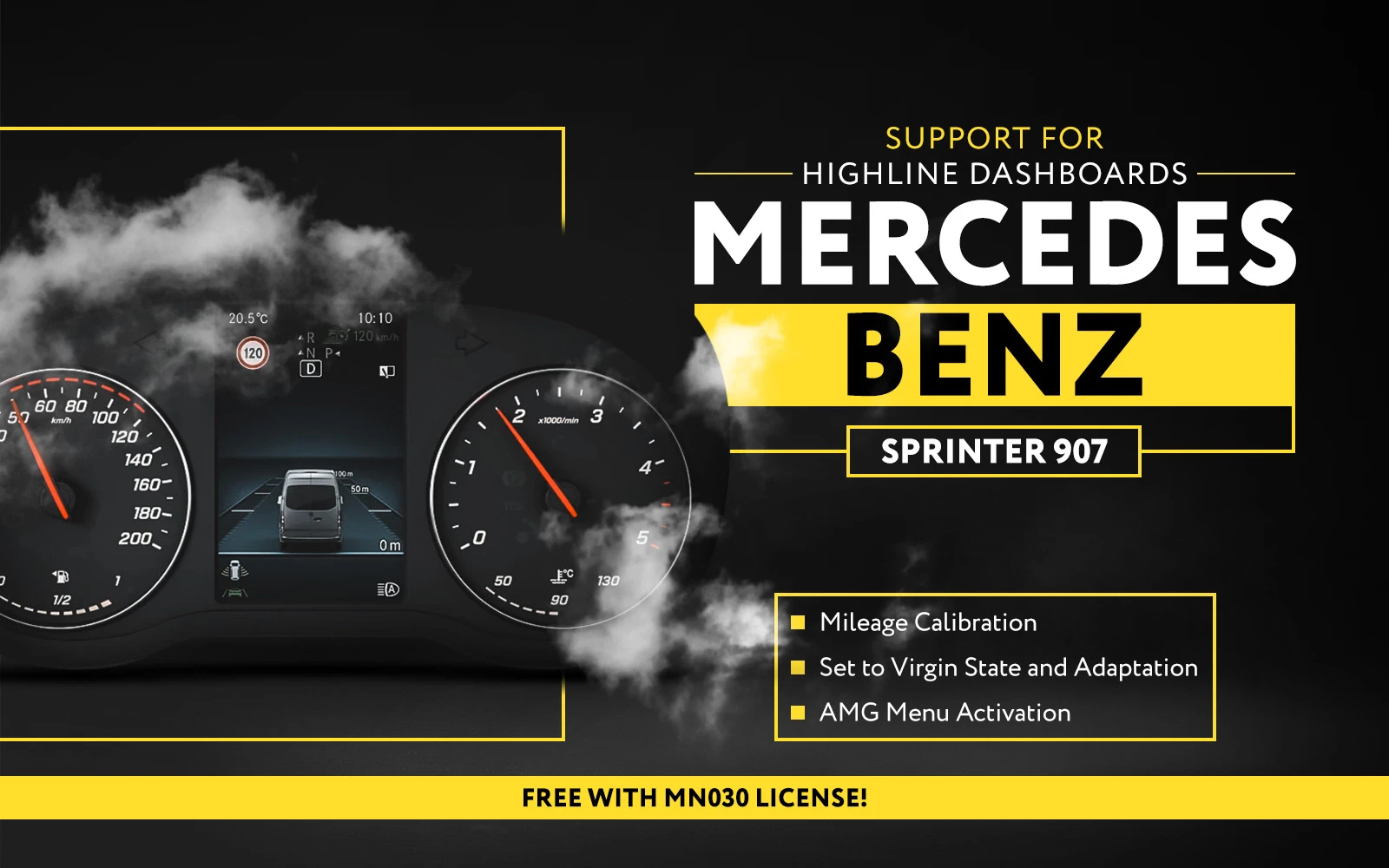
News & Updates
November 04, 2026
Added Support for Mercedes-Benz Sprinter 907: Mileage Calibration,...
Read More
News & Updates
October 27, 2026
